
Uncategorized
MAIN BLOG CONTENT HERE H2 Title
THis is your main blogging section.
You could write your own blog here.
H4 Descriptions & titles render different on your blog
This is the place where 100% of your blog will be written.
As you type, don’t double space because we’ve created spacing on the front end that will be appropriate.
In fact, it’s worth noting that this rich text editor inside of webflow will not 100% represent the way the blog looks on the front end.
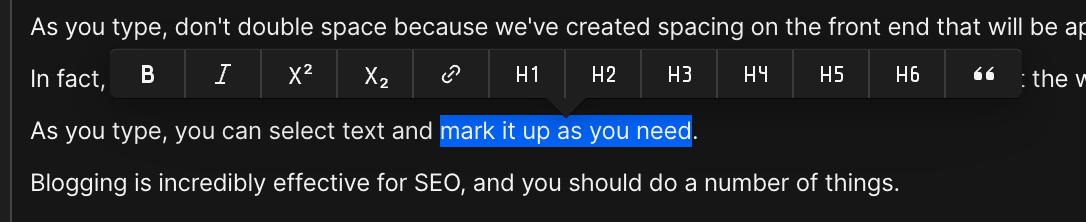
As you type, you can select text and mark it up as you need.
Blogging is incredibly effective for SEO, and you should do a number of things.
You want to link to your own pages on your website, we call this interlinking.
Use the keyword you want to rank for as the Anchor Text, and then select it as a linke.
For example, we are an amazing Houston Bookkeeper.
As you write, continuously interlink with good anchor text to your own page resources.
H1 – You should not used another H1 in the blog, because there’s already one in the main title.
H2 – Your big headers should be H2.
H3 – This is the example of an H3 on your website
H4 – This is an H4, and you’d basically cascade the use of these titles, in order of importance.
There’s no hard and fast rule, but try to cascade titles.
I use H2, when I want something big, then H4 as a good medium sized sub header.
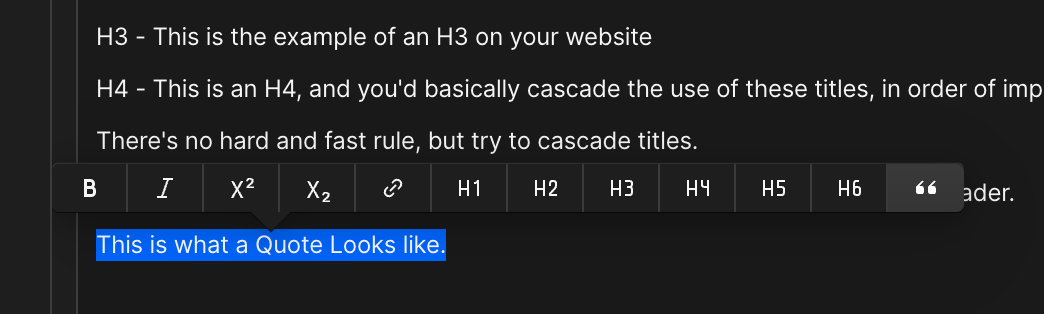
This is what a Quote Looks like.
Here’s what it looks like to make a quote.
You can also embed Youtube Videos and Vimeo Videos.
How to do taht?
(here’s also an example of a list)
- See howlists are made
- Now look below to how to embed a youtube video.
- There are both numbered and bullet lists.
- You’ll see that the formatting will work it’s way out.
Hitting that plus can allow these lists.
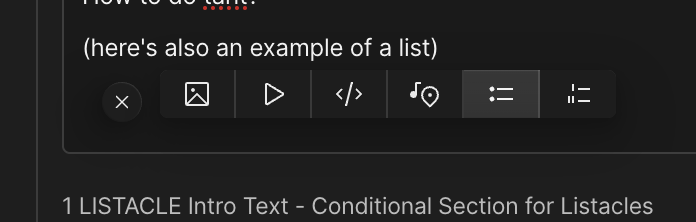
Now, here’s how to do the videos.
- Press the plus button in a clean line.
- Sometimes you need to clear out a line to get this (like go above, and then hit enter)
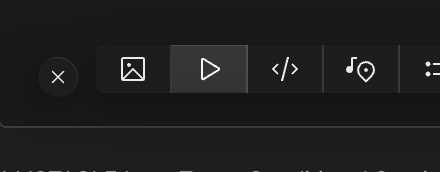
- You’ll hit the PLAY button.
- Paste the Youtube URL or Vimeo URL in it.
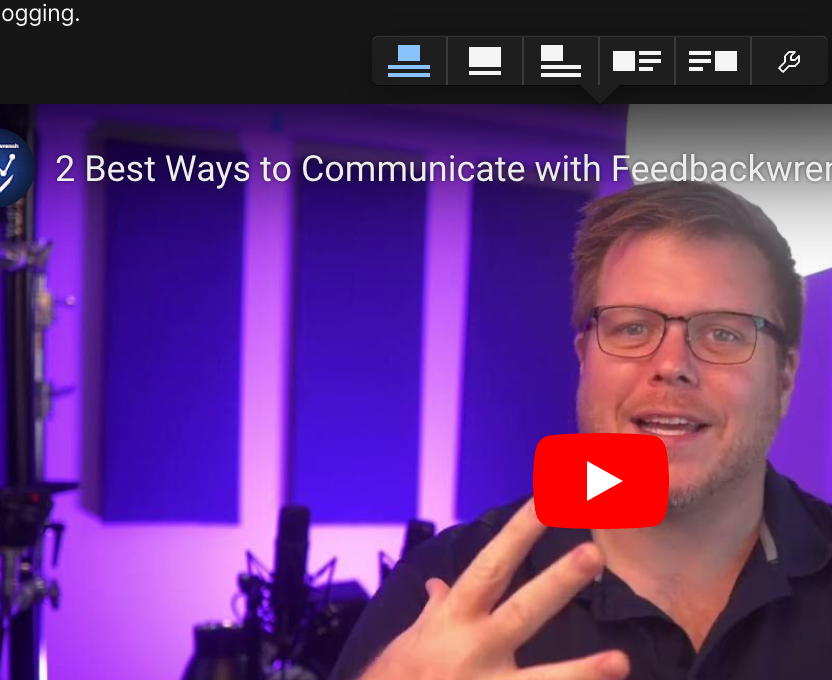
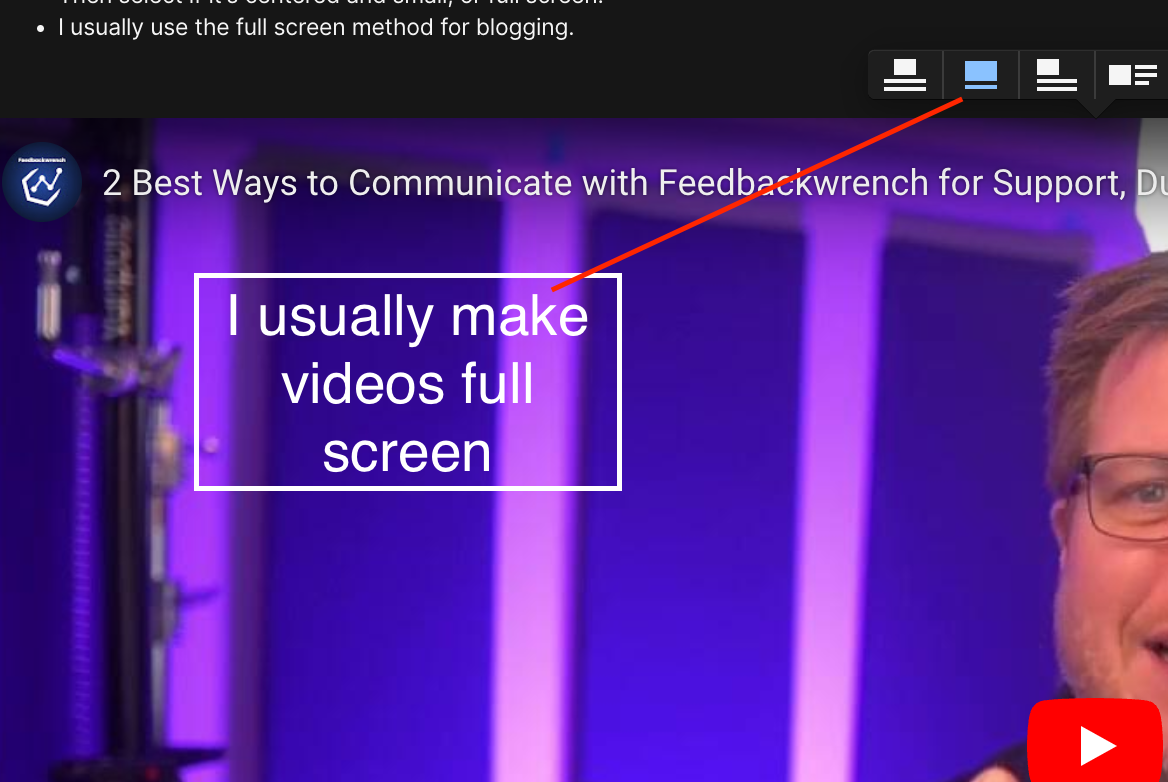
- Then select if it’s centered and small, or full screen.
- I usually use the full screen method for blogging.
Here’s a Full Screen Youtube Video:
Here’s a condensed Youtube Video
Alright, now that you’re confused – let’s make it worse!
Below this, is a tool for creating listacles.
I love doing “listacle” content or “roundup content”
and we wanted to make a really easy way to do this.
Let’s say you wanted to create a blog post that’s like – 7 Ideas for Basement Remodeling.
Here’s an example of what that looks like: